
AI Snow Photo Generator
Creating your image…
Start with your photo
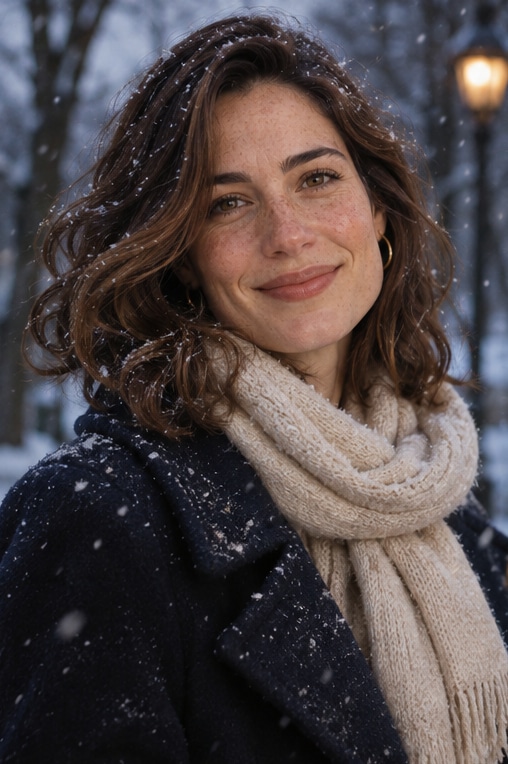
Falling snow, a wool scarf, blue-hour light. Just add your face.
About this effect
Create a winter portrait with falling snow, a wool scarf, and blue-hour light from one photo.
Will the snow cover my face?
No. The look keeps your eyes and mouth clear.
How do I download my photo?
Keep this page open. When your image appears, tap Download. Want to add a greeting? Open it in the free Christmas Card Maker.
Create a winter portrait with falling snow
Your photo becomes an outdoor winter portrait: soft snowfall, a cozy scarf and that cold blue evening light.
Choose your photo
- One adult with a sharp, well-lit face. Eyes, nose and mouth visible.
- A clear portrait is enough. You don't need snow or a winter coat.
- Skip sunglasses and scarves over the mouth.
What to check in the result
- Look at the eyes and mouth first, then download before you leave.
More about this template
Do I need a photo taken in snow?
No. Any clear portrait works.
Can I keep my exact coat or original location?
No. Outfit and scene are part of the look.
Is this a moving snow video?
No, it's a still image.