
How to make a private jet exit video from a photo
One photo is all it takes to walk down the stairs of a private jet. Your photo gives the face and hair, the template does the rest. $3.99 once, no account.
One photo, one actual result

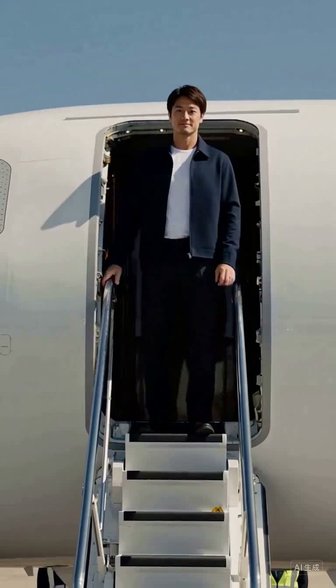
Generated result
This example uses an AI-generated fictional adult portrait and a video from our actual product test. It is one example; face, hair and other details can vary.
Download this example MP4The portrait is AI-generated. Step animations use sample data; payment and waiting are simulated.
01
Choose a clear portrait
JPG or PNG up to 5 MB. One adult, facing the camera, whole face and hair visible. No blur, heavy shadows or covered faces. Check the thumbnail before paying.
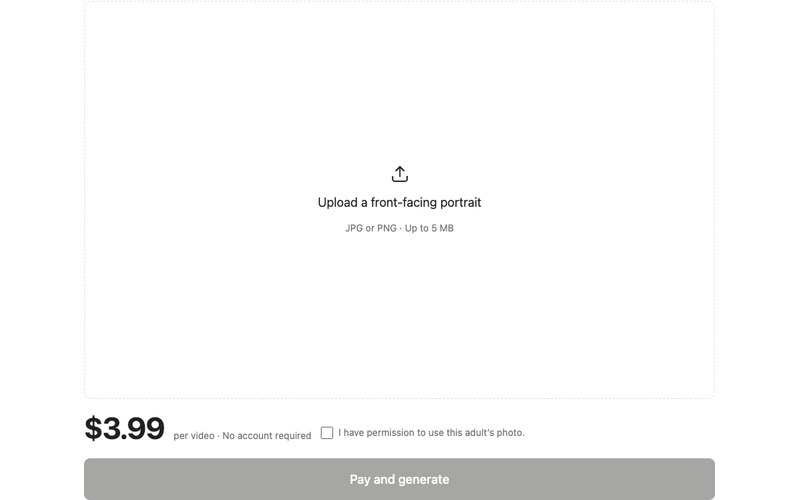
02
Confirm permission and pay once
Confirm you have permission to use the photo and click Pay and generate. Stripe opens in a new tab. Come back to the Castario tab after paying.

03
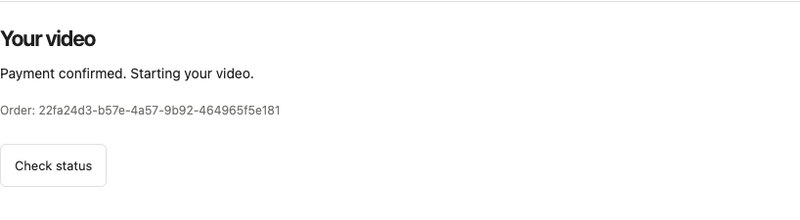
Keep the original tab open
Progress shows on the page. Don't refresh or close it.
04
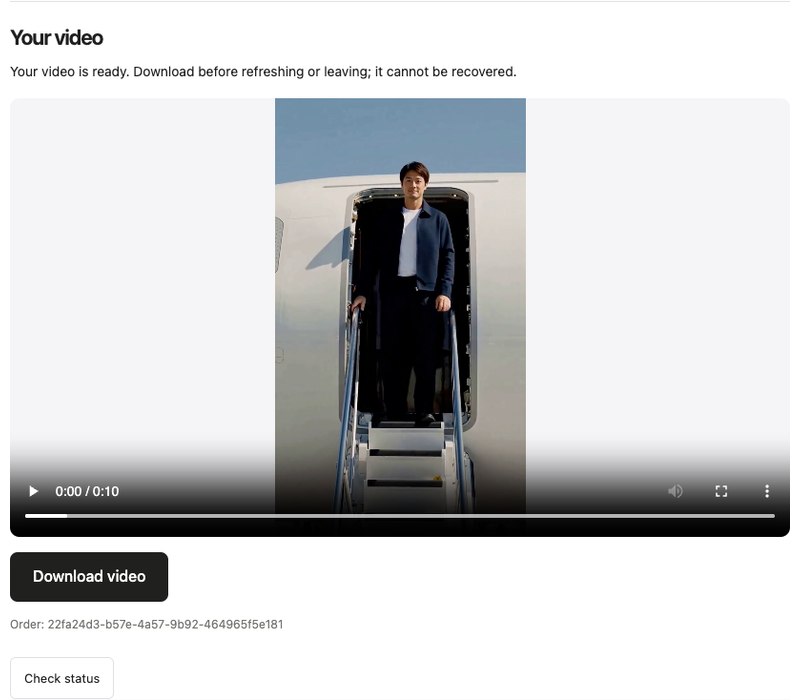
Preview and download the MP4
Play it, then download the MP4 (silent, about 10 seconds, 768p). Open the saved file to make sure it plays. Add music or captions in your editor or straight in TikTok, Reels or Shorts.
Before you make yours
Can I change the scene or movement?
No. This template always uses the jet stairs and the same walk.
Which portrait should I choose?
The one with the clearest front-facing face and even light. Skip side profiles, distant shots and photos with other people.
What should I check in the generated video?
Your face at the start, middle and end, and hands and clothing during the walk.
What if I cannot find or open the downloaded file?
Check your browser's downloads. If the video is still on the page, click Download again. Don't pay again.
Can I upload a reference video to copy its motion?
No. This template takes one photo.
What if generation fails?
We review failed orders for a refund. Contact Support with your order number.
Related AI videos
Make a GTA 5 diner farewell video